
How to Sign Up for PC Game Pass in the Philippines (2026)
PC Game Pass has been available in the Philippines and other Southeast Asian countries for a couple of years now. If you’re one of the many Filipinos eager to get access to the large library of games PC Game Pass has to offer you can do so now and the process to sign up for it is easy to do.
Last updated: April 29, 2026
How to sign up for PC Game Pass if you are in the Philippines
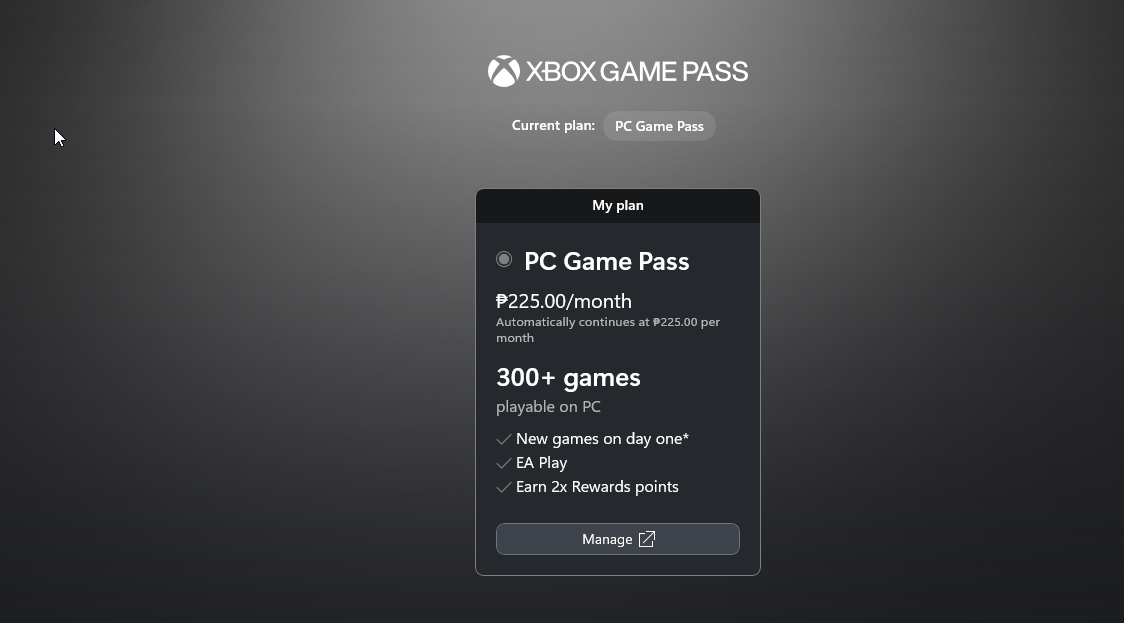
Currently, Microsoft is giving those in the Philippines and other Southeast Asian countries to preview the service, new users can sign up for a 14 day trial for PHP 59, then will be charge the latest monthly price of PHP 225, as Microsoft just reduced the monthly price in April 2026.
Step 1 - Create your Microsoft account
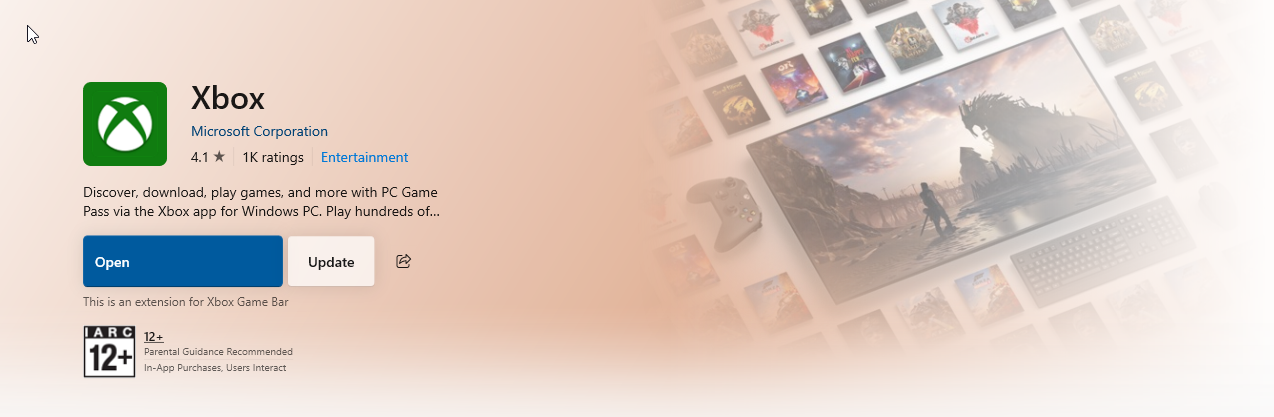
First thing you need is a Microsoft account. Get that setup, then head to the Microsoft Store on Windows to download the Xbox app.
To prevent any issues, double check your PCs region if it’s set to your region. Go to ‘Settings’, then ‘Time & Language’, then at the left side of the tab enter ‘Region’. Look at ‘Country or region’ and make sure it’s set to the Philippines or whatever SEA region you’re in. This is to ensure that everything you’ll need to access PC Game Pass is visible for you and that you are charged in pesos.
Step 2 - Subscribe directly
It’s more simplified now as once you have the Xbox app installed, all you need is to get your subscription going.
Log in with your Microsoft account and click your username to open a dropdown to show a series of options, in that list, click “My Subscriptions”.
You’ll see PC Game Pass as the only plan available. Click “Manage” to enter your Microsoft account through a browser to subscribe. Again, if you’re a new user, the first 14 days will only cost PHP 59. After the trial ends, you can choose to continue through the new PHP 225/month price.
Subscribing can be done either through Paypal (local region works) or through your local credit card. Both options work well with no issue when we tested it.
Once subscribed you are good to go! Start download games!
What do you download first in PC Game Pass?
Just go nuts as there are numerous options here from shooters, RPGs to strategy games. At first glance, PC Game Pass offers a good opportunity to introduce yourselves to new series such as the Yakuza Franchise or even the entire Halo series. Also remember that Bethesda is now under the Microsoft banner, so you can have a good lineup of Fallout and Elder Scrolls games, Dishonored, and more.
Lastly, PC Game Pass also comes with access to EA’s lineup of known series such as Battlefield, Dead Space, Dragon Age, and more.
Here are a few recommendations to consider.
(List updated on April 29, 2026)
Clair Obscur: Expedition 33 (review)
The Outer Worlds 2
Ninja Gaiden 4
Warhammer 40K: Space Marine 2
Kingdom Come: Deliverance 2
Halo Infinite and the rest of the Halo franchise
Hades 2
The Elder Scrolls IV: Oblivion Remastered
Like a Dragon” Pirate Yakuza in Hawaii
Doom: The Dark Ages (review)
Ball x Pitt
Microsoft Simulator 2024 (review)
Metaphor: ReFantazio (review)
Hollow Knight: Silksong
Indiana Jones and the Great Circle (review)
Grounded 2
Diablo IV
Vampire Crawlers
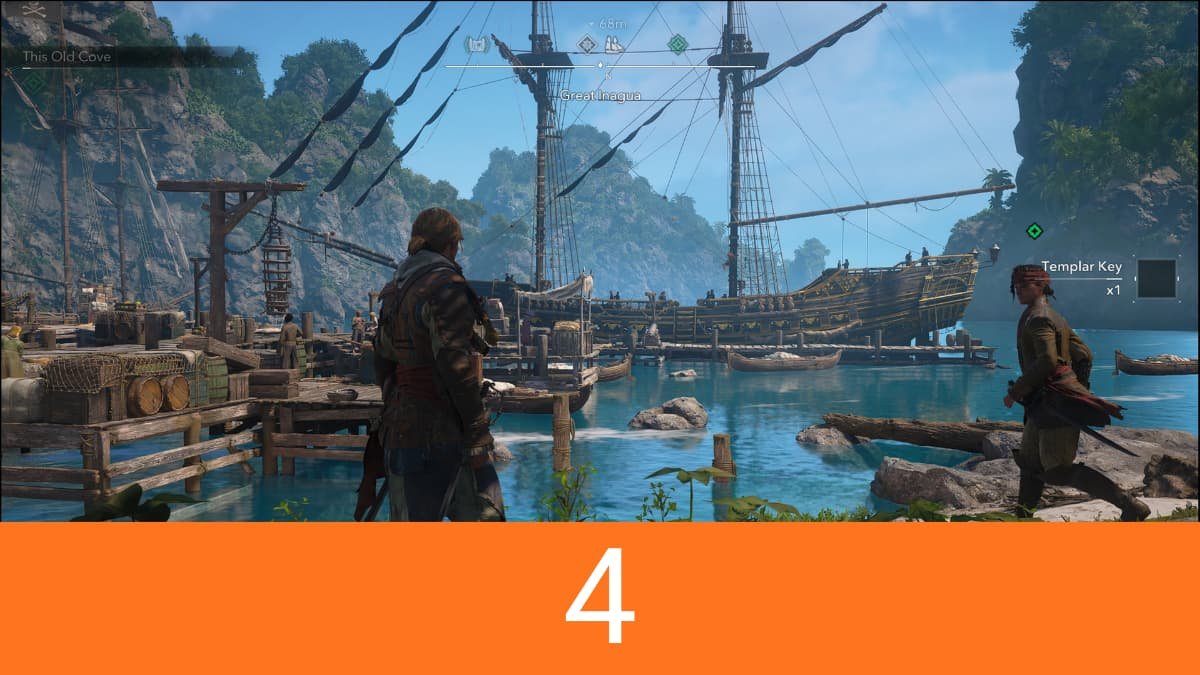

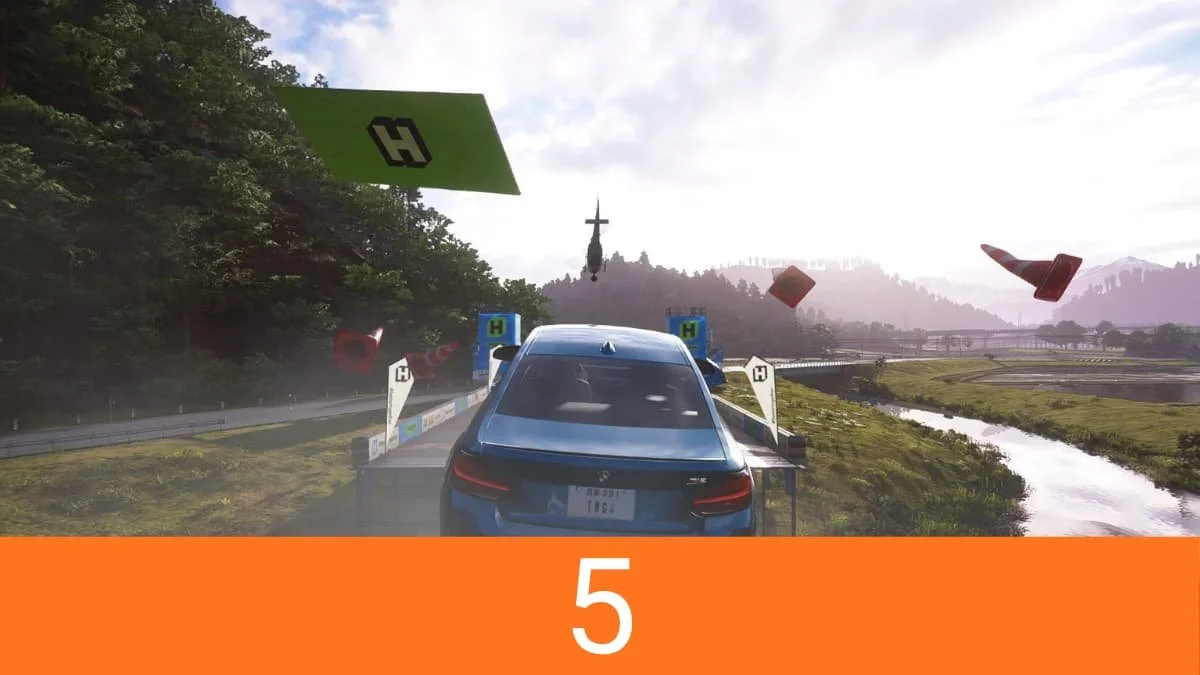

Marvel’s Wolverine is a solid video game, and I enjoyed my time with it, but I left wanting more from both the game and the character. It succeeds at making you feel like Wolverine, even if the game surrounding that fantasy isn't always as compelling.